


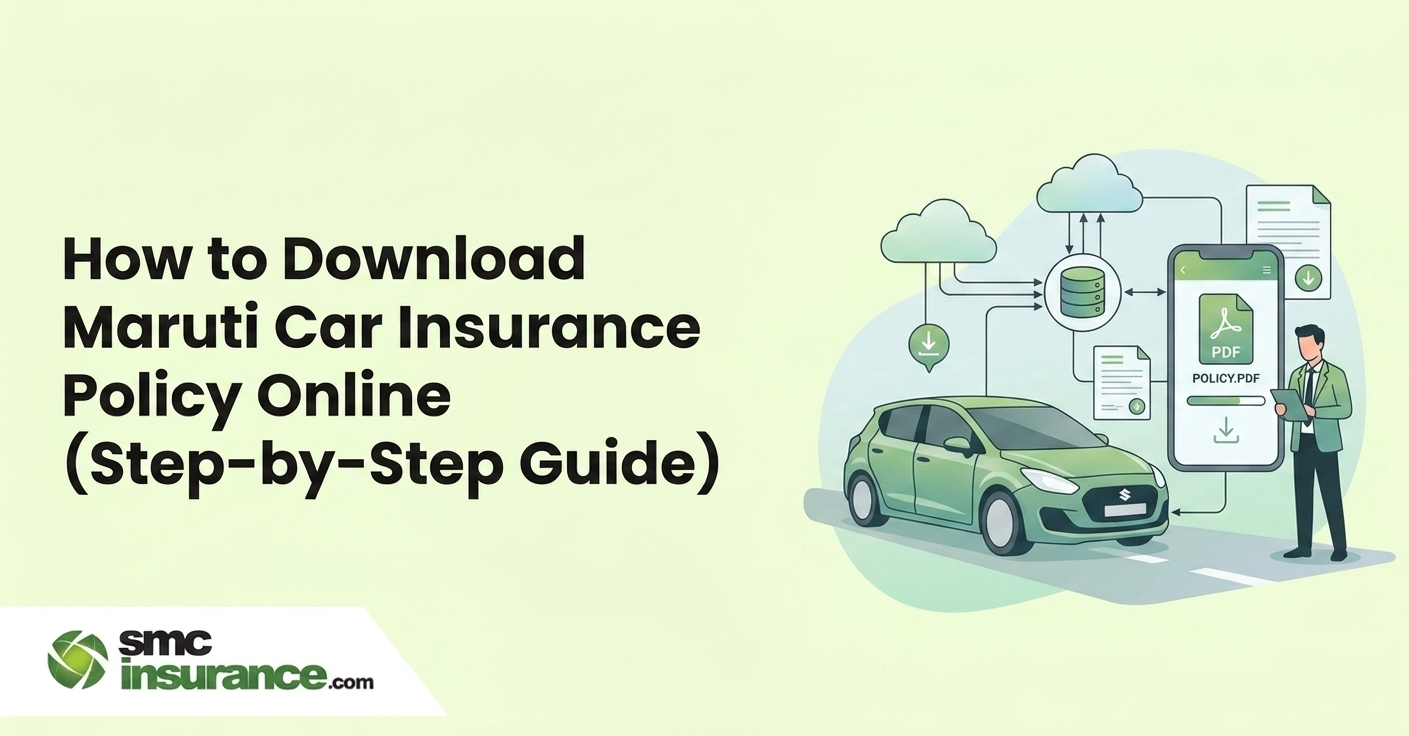
In today's fast-paced world, the importance of having reliable insurance coverage for your vehicle cannot be overstated. Car insurance stands as a cornerstone of this protection, offering far more than mere legal compliance. It serves as a robust financial safety net, shielding you from the potentially crippling costs of accidents, theft of your car, any damages to it, and more. Beyond this, car insurance also provides a profound sense of security and peace of mind, allowing you to navigate the roads with confidence, knowing you’re safeguarded against life's uncertainties.
Maruti Suzuki, one of India's leading car manufacturers, has a commendable presence on the Indian roads. Securing adequate insurance coverage for your Maruti car is essential to protect against any unforeseen catastrophe. And fortunately, accessing your Maruti Car Insurance Policy document online is as easy as a few clicks. However, beyond the ease of online accessibility lies an array of factors to consider when purchasing car insurance online.
Join us as we navigate the ins and outs of downloading your Maruti Car Insurance Policy online and uncover the key factors to consider when purchasing insurance. So buckle up as we embark on a journey to safeguarding your Maruti car with ease and efficiency!
How To Download Maruti Car Insurance Policy?
Getting your Maruti Car Insurance Policy document online is quick and hassle-free. Your car insurance provides top-notch protection against unexpected expenses due to damages. If you ever need to file a claim, having your insurance document handy is crucial.
But don't worry if you misplace it – getting a duplicate is a breeze. Simply download it from your insurance company's website if you're a registered user, or reach out to their customer support team. Alternatively, you can visit the mParivahan website, enter your vehicle number under 'know your vehicle details', and download your policy document with ease.
How to Download Maruti Insurance Policy (Step-by-Step)
Getting your Maruti car insurance policy document online takes a few minutes, provided you know where to look. Whether you bought it directly through Maruti Suzuki Insurance Broking or through a broker or insurer, the process follows a similar path.
Here's a clean overview of all your options before we go into each method in detail:
|
Method |
Best For |
What You Need |
|
Insurer's official website |
Registered policyholders |
Login credentials / policy number |
|
Maruti Suzuki Insurance portal |
Policies sold via Maruti dealership |
Policy number, registered mobile |
|
mParivahan / VAHAN portal |
Quick status check & basic details |
Vehicle registration number |
|
DigiLocker |
Legally valid digital document storage |
Aadhaar-linked account, policy number |
|
Customer care / branch |
When online access fails |
ID proof, policy details |
Note: The method you use depends on where you purchased the policy. Always keep your policy number and registered mobile number handy before starting.
Download from Maruti Suzuki Insurance Website
If your car insurance was arranged through a Maruti dealership or Maruti Suzuki Insurance Broking Private Limited (IRDAI Reg. No. 115), the official portal is your quickest route. Follow these steps:
Step 1: Visit the official Maruti Suzuki Insurance portal at www.marutisuzukiinsurance.com.
Step 2: Look for the “Customer Service” or “Support” section on the homepage.
Step 3: Navigate to “Policy Documents” or “Policy Details”, the exact label may vary slightly depending on the portal layout at the time of visit.
Step 4: Enter your policy number, registered mobile number, and any other details prompted (such as your date of birth or vehicle registration number).
Step 5: Click “Submit”.
Step 6: Your policy document will be available to download as a PDF. Save it on your phone or laptop for quick reference.
If you purchased your Maruti car insurance through another insurer, head directly to that insurer's official website and follow their customer login process. The underlying steps remain the same: log in, locate policy details and download.
Tip: If you don't remember which insurer your Maruti dealership chose on your behalf, check your original purchase receipt or the policy schedule emailed at the time of issuance. The insurer name will be clearly mentioned.
Download Using Vehicle Number
Lost your policy number? Don't worry, your vehicle registration number is enough to retrieve basic insurance details and, in many cases, your full policy copy. Here's how to do it through an insurer's portal:
Step 1: Visit your insurance provider's official website.
Step 2: Go to the “Customer Service” or “Self Service” section.
Step 3: Look for options like “Download Policy” or “Policy Details”.
Step 4: Enter your vehicle registration number along with supporting details such as your registered mobile number, date of birth, or chassis number.
Step 5: Click “Submit”.
Step 6: Once your policy details appear, click 'Download' and save the PDF to your device.
Not all insurers allow a full policy download using only the vehicle number; some will show policy status and basic details and ask for the policy number to fetch the complete document. In such cases, use the VAHAN portal or contact the insurer's customer care for assistance.
Download via mParivahan / DigiLocker
These two government-backed platforms are your most reliable fallback options — especially if you've misplaced your policy document or don't have access to your insurer's portal.
- mParivahan
mParivahan is the official mobile application of the Ministry of Road Transport and Highways (MoRTH). It lets you check your vehicle's insurance validity, insurer name, and policy expiry.
How to use mParivahan to check insurance details:
Step 1: Download the mParivahan app from the Google Play Store (Android) or Apple App Store (iOS).
Step 2: Register or log in using your mobile number and OTP.
Step 3: Tap on 'RC Search' or 'Informational Services.'
Step 4: Enter your vehicle registration number and tap Search.
Step 5: You'll see details including insurance validity, insurer name, and other vehicle information.
mParivahan digital documents are accepted by authorities and since mParivahan and DigiLocker e-documents are now accepted by states as valid documents, you can show them on your mobile at the time of checks.
Important note: mParivahan shows insurance status and basic details. For a full copy of your policy document, you'll still need to use your insurer's website or DigiLocker.
You can also check vehicle insurance details through the VAHAN portal at vahan.parivahan.gov.in and select “Know Your Vehicle Details”, log in with your mobile number, and enter your vehicle registration number.
- DigiLocker
DigiLocker is a secure digital document storage platform launched by the Government of India to promote paperless access to official records. Several insurers in India have integrated with DigiLocker, allowing you to fetch and store your car insurance policy directly in your digital wallet.
As per Rule 9A of the Information Technology Rules, 2016, documents stored in the DigiLocker app are considered at par with the physical copy of the document. This means you don't need to carry a printed copy if your policy is available on DigiLocker.
How to access your car insurance on DigiLocker:
Step 1: Visit digilocker.gov.in or download the DigiLocker app.
Step 2: Register or log in using your mobile number or Aadhaar number.
Step 3: Go to “Search Documents” and search for your insurance company by name.
Step 4: Select the relevant document type (e.g., Private Car Insurance Policy).
Step 5: Enter your policy number, policy effective date, and customer ID as prompted.
Step 6: Click “Get Document”. The policy will appear in your 'Issued Documents' section.
Your digital policy document will be fetched and stored in your DigiLocker account, making it easy to show valid proof during traffic checks.
Note: DigiLocker integration is available only if your insurer is a registered issuer on the platform. Check your insurer's website or DigiLocker's partner list to confirm availability.
Details Required to Download Policy
Before you sit down to download your Maruti car insurance policy, keep the following information ready. The exact combination depends on the method you use, but having all of these at hand will save you time.
|
Detail |
Why It's Needed |
Where to Find It |
|
Policy number |
Primary identifier for your insurance record |
Policy schedule / purchase email |
|
Vehicle registration number |
Used to fetch policy by vehicle |
RC (Registration Certificate) |
|
Registered mobile number |
OTP-based verification |
Provided at the time of purchase |
|
Date of birth |
Identity verification on some portals |
Personal records |
|
Customer ID |
Required for DigiLocker fetch |
Policy schedule or insurer portal |
|
Policy effective date |
Needed for DigiLocker document fetch |
Policy schedule |
|
Chassis / engine number |
Backup identifier if other details fail |
RC or vehicle invoice |
|
Aadhaar number |
Required for DigiLocker registration |
Aadhaar card |
Note: You typically won't need all of these at once. Insurer portals usually ask for 2–3 identifiers. DigiLocker requires a policy number, effective date and customer ID. mParivahan only needs your vehicle registration number.
What to Do If You Cannot Download Policy?
Occasional hiccups are normal like an OTP that doesn't arrive, a portal that doesn't recognise your vehicle number, or an insurer not integrated with DigiLocker. Here's how to handle each situation without unnecessary back-and-forth.
- If the insurer portal doesn't recognise your vehicle number or policy number
Cross-check the registration number format — ensure you're entering it exactly as it appears on your RC, without spaces (e.g., TN09AB1234). If the issue persists, call the insurer's customer care helpline and ask them to update or verify your record.
- If you don't receive the OTP
Check that your registered mobile number is active and has a network. If you've changed your number since purchase, contact the insurer's customer service to update it before attempting another download.
- If the portal is down or inaccessible
The VAHAN portal can experience errors during peak hours (10 AM–2 PM). Try early morning or use the mParivahan app instead.
- If your insurer is not on DigiLocker
Use your insurer's official app or website directly. Alternatively, you can send an email request to their policy servicing team with your policy number and a valid ID proof, most insurers dispatch a soft copy within 24 to 48 hours.
- If none of the above works
Visit your insurer's nearest branch office with your RC, a valid photo ID, and your policy number (if available). Most insurers will issue a duplicate policy copy on the spot or within a working day. You may also call the Maruti Suzuki Insurance Broking helpline at 011/022/033/044 – 3377 4477 if your policy was issued through them.
- If you've completely lost all policy details
Use the VAHAN portal with your vehicle registration number to retrieve the insurer's name, policy number and expiry date. Once you have the insurer's name, contact them directly to get the full document.
Remember: There is no charge for downloading a duplicate policy copy online. Insurers are not permitted to levy a fee for issuing a soft copy of your policy document.
How To Download Maruti Car Insurance Policy Copy By Vehicle Number Online In India?
Here's a simple guide to help you download your Maruti Car Insurance Policy copy online in India using your vehicle number-
Step 1: Head to the insurance provider's website, where you obtained your Maruti Car Insurance Policy.
Step 2: On the website, look for the “Customer Service” section and click on it.
Step 3: Locate the option to download your policy copy or document, typically found under sections like 'Policy Documents' or 'Policy Details,' depending on the insurance company's portal layout.
Step 4: You need to enter your Maruti car’s vehicle registration number and other relevant details, like your policy number, vehicle number, date of birth, etc.
Step 5: Simply click on the 'Submit' or 'Download' buttons to start downloading your Maruti Car Insurance Policy copy.
Step 6: After the download is finished, ensure that the policy copy is saved on your computer or smartphone for future reference.
If you face any difficulties downloading your Maruti Car Insurance Policy copy online, feel free to reach out to the insurance company's customer service or visit their nearest branch office for assistance.
Thinking about buying Maruti car insurance online? It's like stepping into a world of convenience and options. But before you dive in, let's break down what you need to know!
What To Consider When Buying A Maruti Car Insurance Policy Online?
Shopping for a Maruti Car Insurance Policy online is a breeze, saving you time, money, and hassles. It's a seamless process that provides convenience, and there are a wide array of deals to choose from.
The secret to successful online car insurance shopping lies in thorough research. The more you understand about the various policy options, the more confident and informed your decision-making process will be.
So, let’s discuss the pivotal elements you must consider before buying Maruti Car Insurance Policy online -
- Ensure your insurance policy remains active without any lapse.
- You should take additional covers as per your specific requirements.
- It is beneficial to seek comprehensive coverage for enhanced protection.
- Make sure you select the correct Insured Declared Value.
- You need to have a thorough knowledge of the different coverage types.
- Be sure to explore available discounts.
- Make sure you check the No Claim Bonus available.
- Consider opting for voluntary deductibles if you want to lower your premium. Keep in mind that you'll be responsible for paying the voluntary excess each time you file a claim, in addition to the compulsory deductibles and any other associated charges.
Summing Up!
In today's digital age, obtaining your Maruti Car Insurance Policy online is not just convenient but essential. With just a few clicks, you can ensure your vehicle is safeguarded against unforeseen damages and accidents. By following the simple steps outlined here and considering key factors like coverage, discounts, and deductibles, you can navigate the digital realm of insurance with ease. The Maruti Car Insurance Policy will help you drive confidently, knowing you're protected by a policy designed with your well-being in mind.
Disclaimer:The information provided on this platform is intended for general awareness and educational purposes. While every effort is made to ensure accuracy, some details may change with policy updates, regulatory revisions, or insurer-specific modifications. Readers should verify current terms and conditions directly with relevant insurers or through professional consultation before making any decision.
All views and analyses presented are based on publicly available data, internal research, and other sources considered reliable at the time of writing. These do not constitute professional advice, recommendations, or guarantees of any product’s performance. Readers are encouraged to assess the information independently and seek qualified guidance suited to their individual requirements. Customers are advised to review official sales brochures, policy documents, and disclosures before proceeding with any purchase or commitment.
FAQs
Yes, under the Motor Vehicles Act, 1988, at least a third-party insurance policy is compulsory for any vehicle driven on Indian roads. Driving without valid insurance can result in a fine of up to Rs. 2,000 for the first offence and Rs. 4,000 for a subsequent offence under the Motor Vehicles (Amendment) Act, 2019, along with potential imprisonment. Comprehensive insurance, while not legally mandatory, is strongly recommended for full protection of your own vehicle as well.
Yes, you can download your policy from any device like smartphone, tablet, or desktop, as long as it has internet access and supports your insurer's website or app. DigiLocker and mParivahan are also available as mobile apps for Android and iOS, making it easy to access your documents on the go. There is no restriction on the number of times you can download your policy document.
Yes, as per an advisory issued by the Ministry of Road Transport and Highways (MoRTH), digital copies of documents stored in mParivahan or DigiLocker are legally valid and accepted by traffic authorities across India. You do not need to carry a physical printout if your policy is accessible on either of these government-recognised platforms.
If your recently purchased or renewed policy is not showing on the VAHAN or mParivahan portal, wait a few days as insurers typically update policy data to the VAHAN database within 5–7 working days of issuance. If the update is delayed beyond that, contact your insurer directly and ask them to confirm the policy data uploaded to the IRDAI/VAHAN system. This is a routine backend process and can usually be resolved with a single call.
If you purchased your Maruti car insurance through a broker (like SMC Insurance) or an aggregator platform, the underlying policy is still issued by the actual insurance company, not the broker. You can download the document either from your broker's portal (if they offer one) or directly from the insurer's official website using your policy number. Alternatively, reach out to your broker's customer support, most provide digital access to policy copies on request.
To fetch your car insurance policy on DigiLocker, you typically need three details: your policy number, policy effective date (the date your policy started), and your customer ID (which appears on your policy schedule). Once you enter these under the relevant insurer's section on DigiLocker, the document gets added to your 'Issued Documents' folder, from where it can be downloaded or shared anytime.
Yes, you can download a soft copy of an expired policy — the document remains accessible on your insurer's portal even after the policy period ends. However, an expired policy cannot be used for claims or legal compliance. If your policy has lapsed, renew it at the earliest. A lapse in coverage may also result in loss of your accumulated No Claim Bonus (NCB) after 90 days of expiry, which can significantly affect your renewal premium.
No, downloading a soft copy (PDF) of your car insurance policy (whether directly from your insurer's portal, DigiLocker, or via email request) is completely free of charge. Insurers are not permitted to charge for issuing a digital duplicate. If you need a physical copy sent by post, some insurers may levy a nominal delivery charge, but this is not common.
If you no longer have access to the registered contact details on your policy, visit your insurer's nearest branch with your RC, a valid government-issued photo ID and your vehicle's chassis number. The insurer can verify your identity and update your contact details in their system, after which you'll be able to access the policy online. Do not attempt to use someone else's credentials or unofficial third-party services for this purpose.
If you bought your Maruti car through a dealership, the insurance may have been arranged through Maruti Suzuki Insurance Broking, but the actual underwriting insurer is a separate company. The insurer's name is printed on your policy schedule and also visible on the VAHAN portal when you search by vehicle registration number. Use this information to go directly to that insurer's website to download your document.


