


Open Google Lens on your smartphone and point it at the dashboard symbol - it identifies the sign within seconds. For deeper context, describe the light and your car model to Google AI or ChatGPT: for example, "yellow battery light on Maruti Swift - should I stop?" Your car brand's official app (Maruti Suzuki Care, MyHyundai, iRA, etc.) gives the most model-specific answer. Red lights require immediate action. Yellow lights need prompt service. Never ignore a warning light as continuing to drive after a red warning can void your motor insurance claim for consequential engine damage.
A light blinks on your dashboard while you're driving on the Delhi-Agra Expressway at 90 kmph. You don't know what it means. You slow down, but you're not sure if you should stop entirely, check under the bonnet, or just keep going. This moment: confusing and a little scary, happens to thousands of Indian drivers every day.
Most car manuals are either lost in the glove box or written in dense technical language that doesn't tell you what to do next. And not everyone has a mechanic on speed dial at 8 PM on a highway. That's exactly where Search Live tools come in. By the end of this article, you'll know how to use Search Live features on Google, AI tools and dedicated apps to decode any dashboard symbol within seconds. And more importantly, know whether it's safe to keep driving.
What Is Search Live and Why Is It Useful for Car Dashboard Warning Signs?
Search Live refers to real-time visual and AI-powered search tools that let you identify objects, symbols, or signs using your smartphone camera or a typed/voice query and get an instant, contextualised answer.
The most accessible version for Indian users is Google Lens, available on any Android phone or via the Google app on iPhone. Point your camera at the dashboard light and Google Lens identifies the symbol and provides relevant results. Newer tools like Google Search with AI Overviews, ChatGPT's camera mode and Bing Visual Search add conversational depth. You can describe your situation and get guidance on severity, next steps and whether the car is safe to drive.
This matters because dashboard symbols are not standardised in plain language. A red thermometer icon looks nothing like what a layperson would associate with engine heat. A yellow battery symbol could mean your alternator is failing, not just that a wire is loose. Search Live bridges that gap in seconds.
Common Car Dashboard Warning Signs Indian Drivers Often Confuse
Before using Search Live, it helps to know the categories of dashboard lights so you can frame your search better.
|
Symbol Category |
Colour |
Symbol/Sign |
What It Typically Means |
Action Required |
|
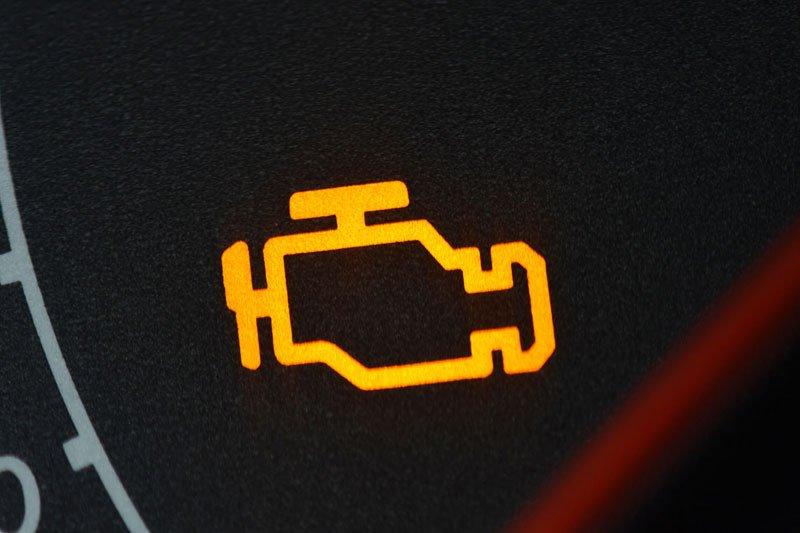
Engine Warning (Check Engine) |
Yellow/ Orange |
|
Engine or emission system fault |
Drive to service centre soon; don't ignore |
|
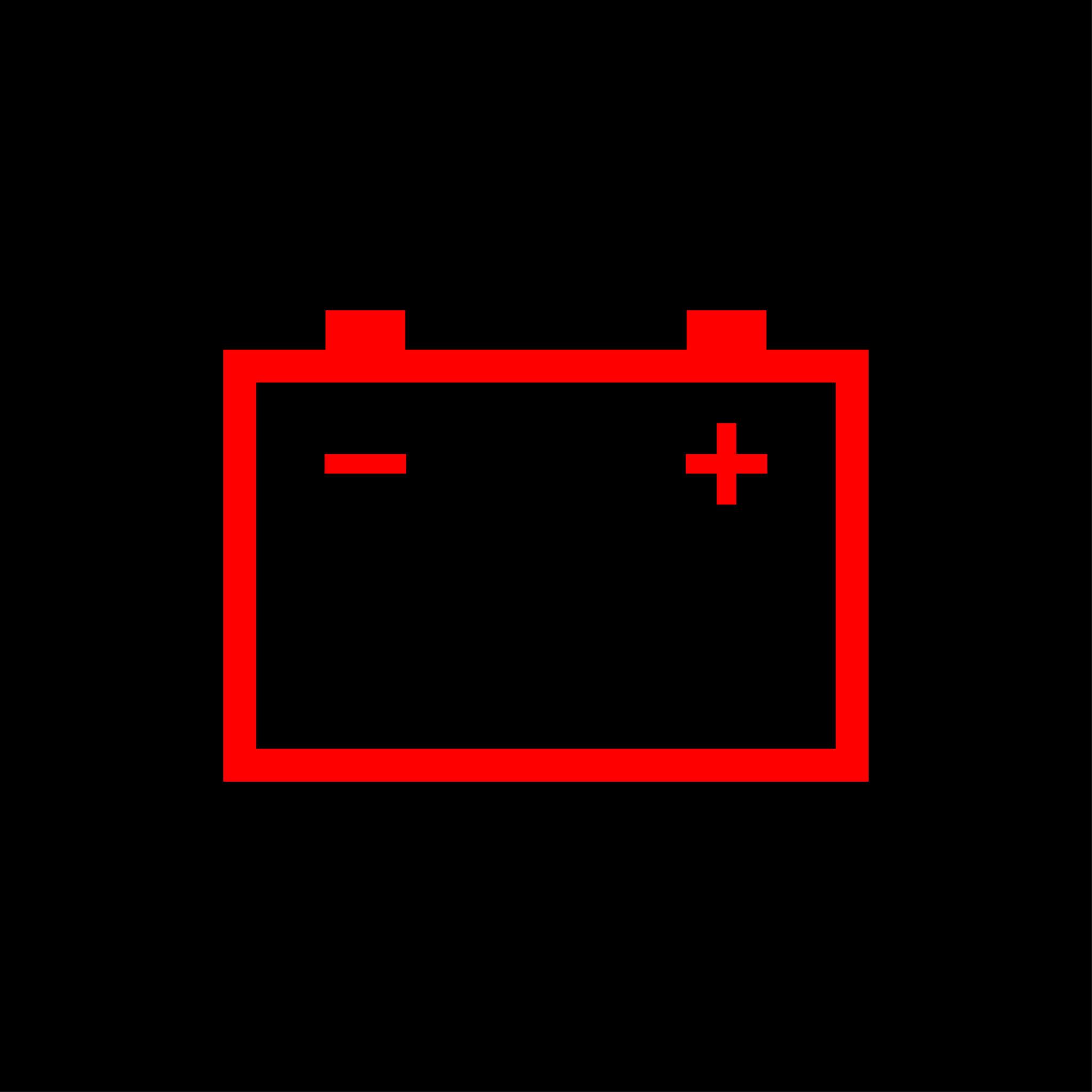
Battery Warning |
Red |
|
Charging system failure |
Stop safely; don't turn off engine mid-highway |
|
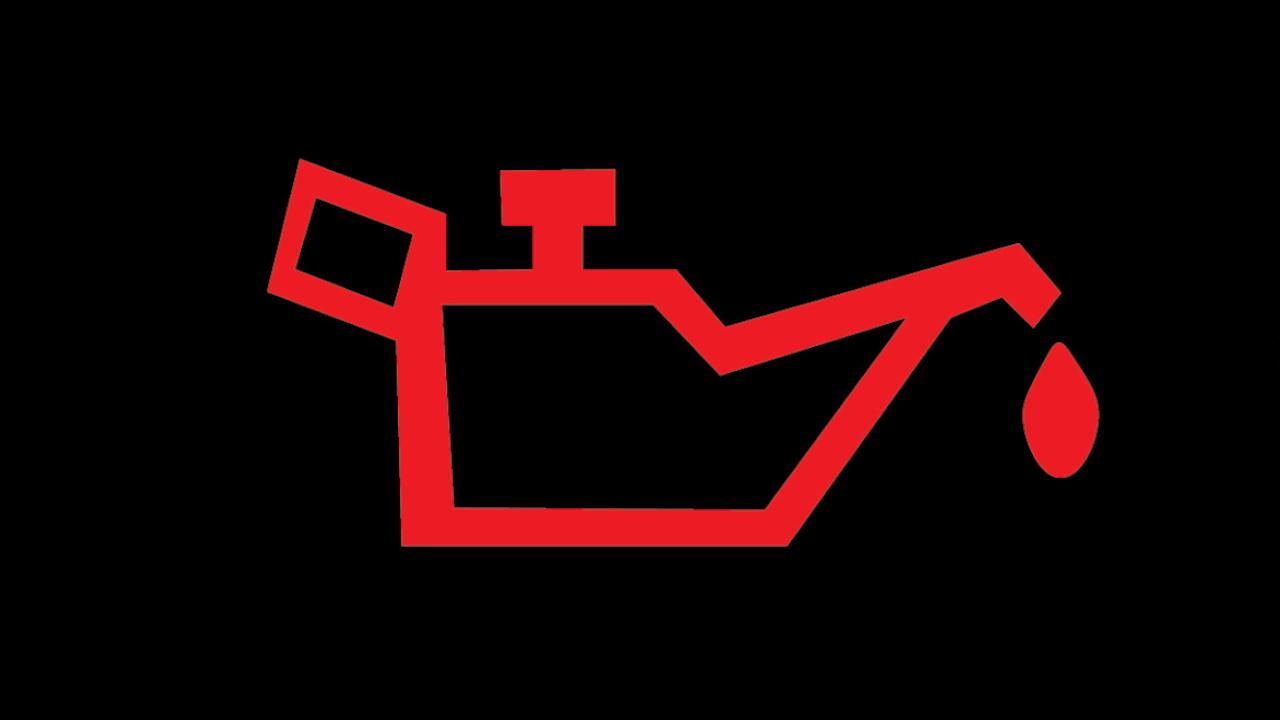
Oil Pressure |
Red (oil can) |
|
Critical low oil pressure |
Stop immediately; engine damage likely if ignored |
|
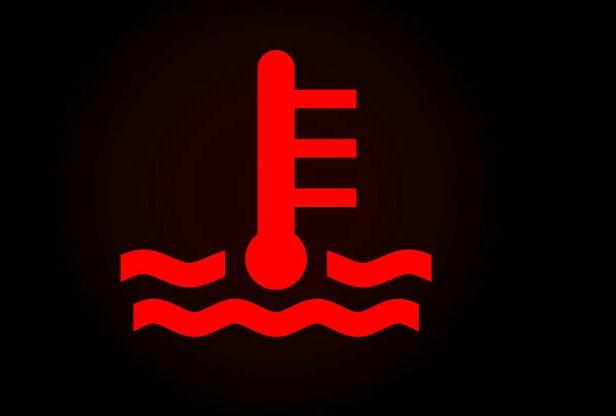
Temperature Warning |
Red (thermometer) |
|
Engine overheating |
Pull over, turn off AC, let engine cool |
|
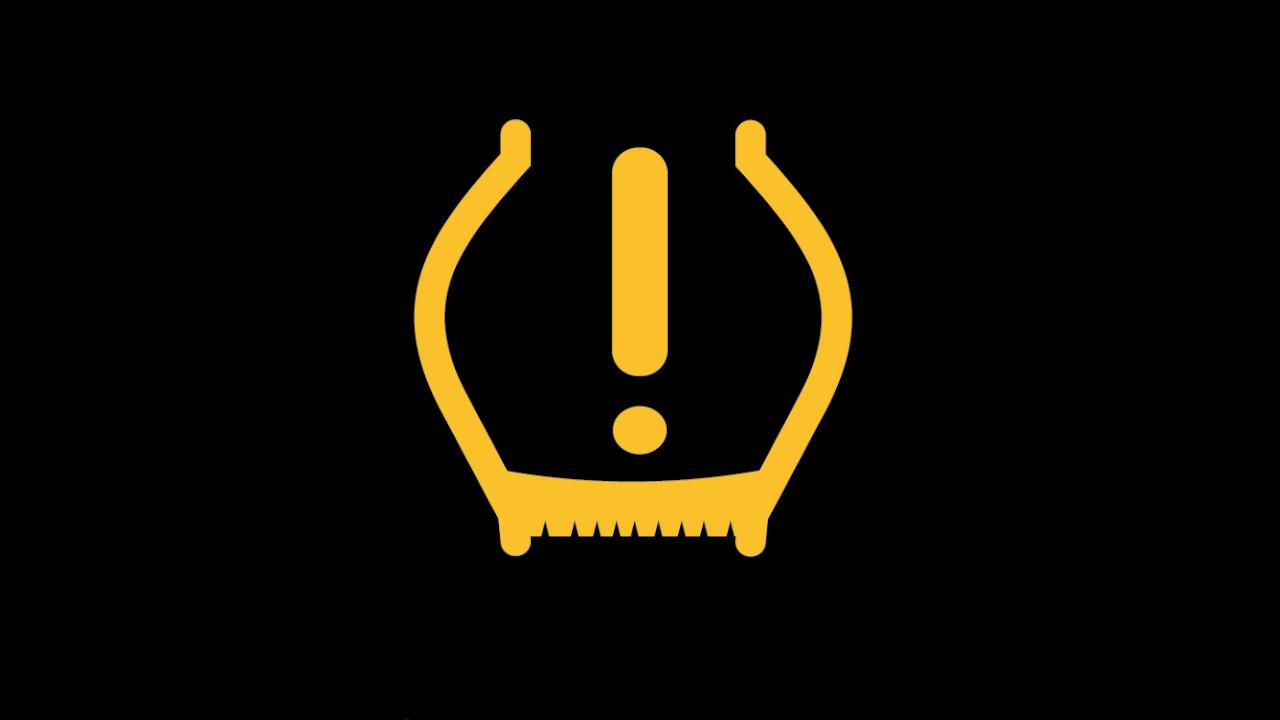
Tyre Pressure (TPMS) |
Yellow |
|
One or more tyres underinflated |
Check tyre pressure at nearest petrol pump |
|
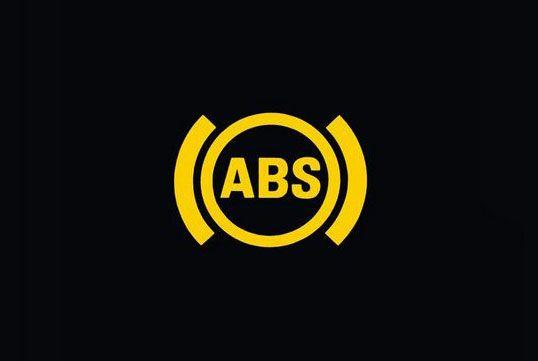
ABS Warning |
Yellow |
|
Anti-lock brake system fault |
Brakes still work but ABS may not engage in emergency |
|
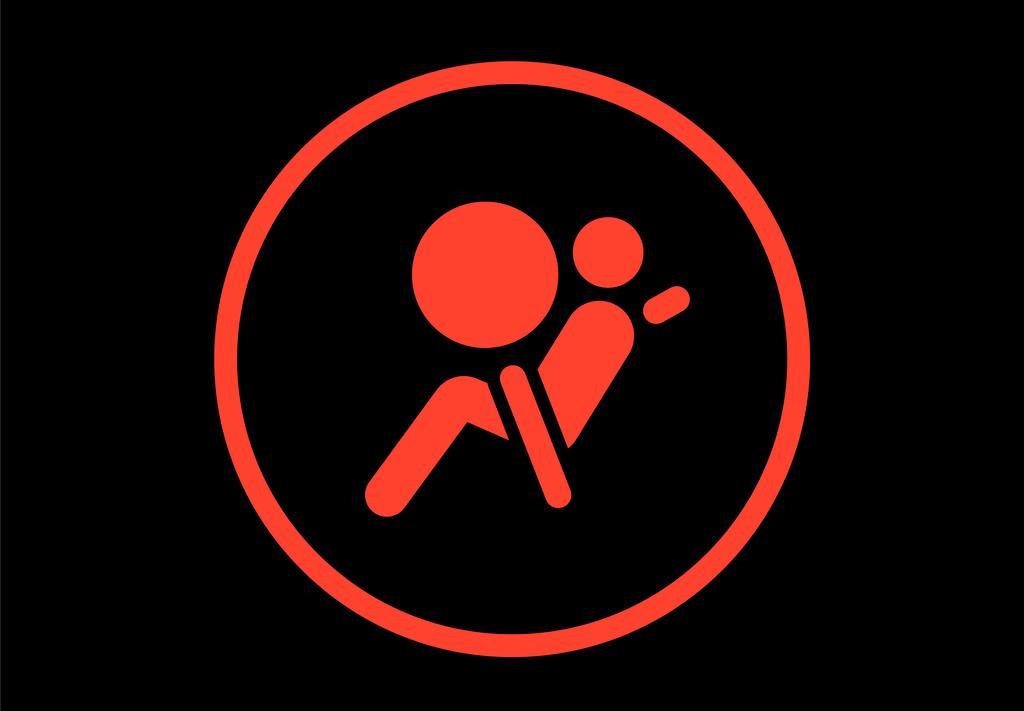
Airbag / SRS |
Red |
|
Airbag system malfunction |
Service centre; airbag may not deploy in accident |
|
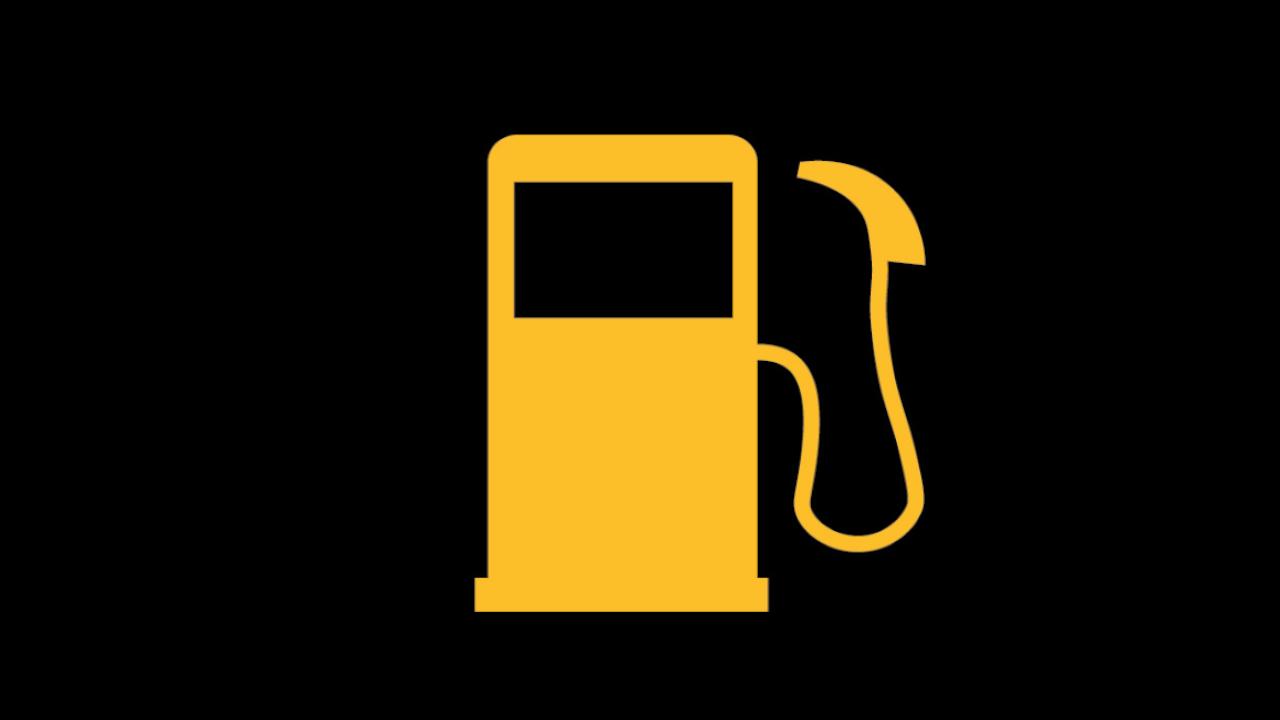
Fuel Low |
Yellow |
|
Reserve fuel level |
Refuel within 50–80 km (varies by car) |
|
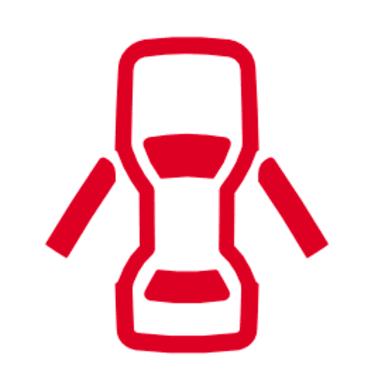
Door Ajar |
Usually red/orange |
|
A door or boot is not fully closed |
Stop and check all doors |
|
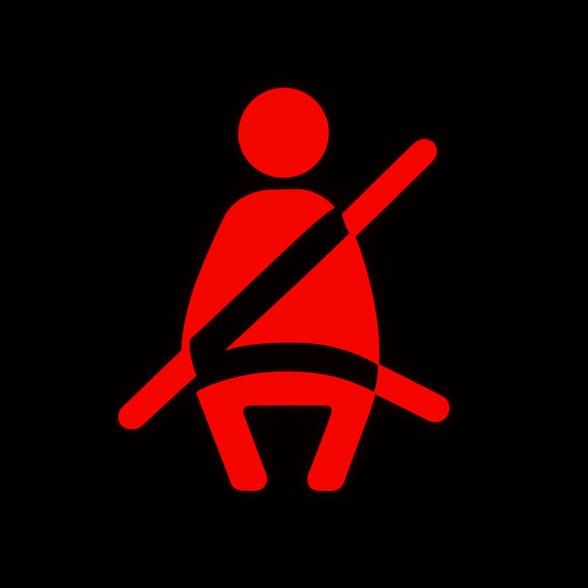
Seatbelt Reminder |
Red |
|
Driver/passenger seatbelt unfastened |
Fasten immediately; legal requirement under MV Act |
Note: Colour coding is the first filter. Red = act immediately. Yellow/Orange = schedule service. Green/Blue = informational, no action needed.
Step-by-Step: How To Use Search Live to Identify Dashboard Warning Signs
Here’s how to go about it:
Step 1: Open Google Lens on Your Phone
On most Android phones, long-press the Home button or access Google Lens directly from the Google app. On iPhones, download the Google app from the App Store and tap the Lens icon in the search bar.Step 2: Point the Camera at the Dashboard Symbol
Hold your phone steady with the dashboard symbol in frame. Google Lens will auto-identify it. Tap on the identified result to see the full description, official name and common cause.Step 3: Refine With a Voice or Text Search
If the camera result is unclear, type or say: "Red thermometer light on Honda City dashboard" into Google or any AI chatbot. Be specific — mention your car brand and model. Results will be more accurate than a generic symbol search.Step 4: Use ChatGPT or Gemini for Contextual Advice
Type: "My Maruti Swift's engine check light came on while driving at highway speed. What does this mean and should I stop?"
These AI tools give you a conversational explanation, rank the severity and suggest next steps. This is something a static search result can't do as effectively.
Step 5: Cross-Check with Your Car Brand's Official App
Maruti Suzuki has Maruti Suzuki Care, Hyundai has MyHyundai, Tata Motors has iRA and Mahindra has Blue Sense. All of them have dashboard light explainers specific to your model and year. These are the most reliable sources because they're model-specific.
Car Brand
Official App / Portal
Dashboard Guide Available?
Maruti Suzuki
Maruti Suzuki Care
Yes
Hyundai India
MyHyundai
Yes
Tata Motors
iRA (connected cars)
Yes, for connected models
Mahindra
Blue Sense
Yes
Honda Cars India
Honda Connect
Yes
Toyota India
My Toyota
Yes
Kia India
Kia Connect
Yes
|
Car Brand |
Official App / Portal |
Dashboard Guide Available? |
|
Maruti Suzuki |
Maruti Suzuki Care |
Yes |
|
Hyundai India |
MyHyundai |
Yes |
|
Tata Motors |
iRA (connected cars) |
Yes, for connected models |
|
Mahindra |
Blue Sense |
Yes |
|
Honda Cars India |
Honda Connect |
Yes |
|
Toyota India |
My Toyota |
Yes |
|
Kia India |
Kia Connect |
Yes |
Note: App availability and features vary by model year. Older vehicles (pre-2018) may not support app connectivity.
What Search Live Cannot Tell You And When To Stop Driving
Search Live is powerful for identification and initial guidance. It is not a diagnostic tool. A yellow Check Engine light could indicate a loose fuel cap, or it could flag a failing catalytic converter. Both look identical on the dashboard.
Stop driving immediately if:
- The oil pressure light (red oil can) turns on
- The engine temperature gauge enters the red zone
- The battery light turns on mid-drive (especially in older cars without power steering)
- Smoke appears from under the bonnet
- You hear grinding sounds alongside a warning light
In these cases, pull over safely, switch on hazard lights and call your roadside assistance. Most comprehensive car insurance policies in India include 24/7 roadside assistance — check your policy document or call your insurer to confirm.
The Insurance Angle: Why Ignoring Dashboard Lights Can Void Your Claim
This is something most car owners don't realise. If you continue driving after a known warning light and the vehicle sustains damage like a seized engine, for instance, your motor insurance claim may be partially or fully rejected. Insurers can argue that the damage resulted from negligence, not an accident.
Under standard motor insurance policy wordings (as governed by IRDAI), insurers are not liable for consequential losses. A seized engine after ignoring an oil pressure warning is classified as consequential damage, not accidental damage.
Spotting a warning light early with Search Live tools isn't just about safety — it protects your insurance claim too. If your current motor insurance doesn't include zero depreciation or engine protection cover, it's worth reviewing. Compare your options at SMC Insurance.
Best Apps and Tools for Dashboard Light Identification in India (2026)
|
Tool |
Best For |
How to Access |
Free? |
|
Google Lens |
Instant visual symbol ID |
Google app or Android home button |
Yes |
|
ChatGPT (camera mode) |
Contextual advice + next steps |
ChatGPT app (iOS/Android) |
Free trial available |
|
Google Gemini |
Voice + text + image combined |
Gemini app or google.com |
Yes |
|
Your car brand's official app |
Model-specific accuracy |
App Store / Play Store |
Yes |
|
YouTube (search by symbol name) |
Video explanation + DIY |
youtube.com |
Yes |
|
Carwale / CarDekho community |
Indian user experiences |
App or website |
Yes |
Note: For critical red warnings, always prioritise stopping safely over searching. Use Search Live tools after you're parked safely, not while driving.
Wrapping Up,
Dashboard warning lights exist for one reason: to tell you something before it becomes expensive or dangerous. The problem was always translation as most Indian drivers didn't have a quick, reliable way to decode them on the spot. Search Live tools, especially Google Lens, AI chatbots and brand-specific apps, etc., have changed that.
The process is straightforward: point your camera, get a name, refine with context and check your brand's app for model-specific guidance. What matters just as much is knowing when to act immediately versus when to schedule a service visit. Your car warns you in advance. The tools to understand those warnings are now on your phone. Use them and while you're at it, make sure your motor insurance is comprehensive enough to cover what happens when a warning gets ignored.
Disclaimer:The information provided on this platform is intended for general awareness and educational purposes. While every effort is made to ensure accuracy, some details may change with policy updates, regulatory revisions, or insurer-specific modifications. Readers should verify current terms and conditions directly with relevant insurers or through professional consultation before making any decision.
All views and analyses presented are based on publicly available data, internal research, and other sources considered reliable at the time of writing. These do not constitute professional advice, recommendations, or guarantees of any product’s performance. Readers are encouraged to assess the information independently and seek qualified guidance suited to their individual requirements. Customers are advised to review official sales brochures, policy documents, and disclosures before proceeding with any purchase or commitment.
FAQs
You can use the Google app on both Android and iPhone. The Lens icon is built into the search bar. Alternatively, take a clear photo of the symbol and upload it to Google Images or ChatGPT's image input. Even describing the symbol in words like "red thermometer icon on dashboard Hyundai Creta", will return accurate results. Bing Visual Search is another solid option that works without downloading any separate app.
Generally, yes. Most Indian market cars like Maruti, Hyundai, Tata, Mahindra, Honda, etc., follow international ISO symbol standards. The symbols are largely identical across global models. That said, some proprietary or model-specific indicators (like Tata's iCNG light or Maruti's idle stop warning) may not be in generic databases. For these, your brand's official app or owner's manual is the most reliable source.
It depends on the colour and behaviour. A steady yellow Check Engine light usually means a minor issue like a loose fuel cap, minor sensor fault, and you can drive to a service centre. A flashing or red Check Engine light indicates an active or severe problem; stop driving as soon as it's safe. Never ignore a flashing Check Engine light, as it typically signals engine misfires that can damage the catalytic converter.
Yes, potentially. Under IRDAI-regulated motor insurance policies, consequential damages, meaning damage that occurred because you continued driving despite a warning, are excluded from coverage. If you drove 200 km with a red oil pressure light on and your engine seized, the insurer can reject the engine repair claim. Comprehensive policies with engine protection add-ons offer some buffer, but prevention is always cheaper than a claim dispute.
No single app covers all models comprehensively. Google Lens is the best general-purpose identifier. For detailed, model-specific guidance, your car manufacturer's official app is the gold standard. For community-sourced experiences on Indian roads, Carwale and CarDekho forums are useful supplements. Cross-referencing two sources takes less than two minutes and gives you a much more reliable picture.
Do not assume the problem is resolved. Many dashboard lights go off temporarily when the underlying issue goes into a dormant state — but the fault code remains stored in the car's ECU (Engine Control Unit). A mechanic can read these stored codes with an OBD-II scanner, which most service centres in India use as a standard diagnostic step. Getting a scan done the next time you're at a service centre is strongly recommended.


